
Menu
For Australian RTOs, schools and VET trainers · Standards for RTOs 2025
Courses and assessment packsfrom a unit code.
Type the code. VET Creator writes the course from the unit on training.gov.au, ready for Canvas and Word. Add the assessments, marking guides and mapping document if you need them too.
No card for the trial. We hold no student data. Everything is drafted with AI and reviewed by your people before use.
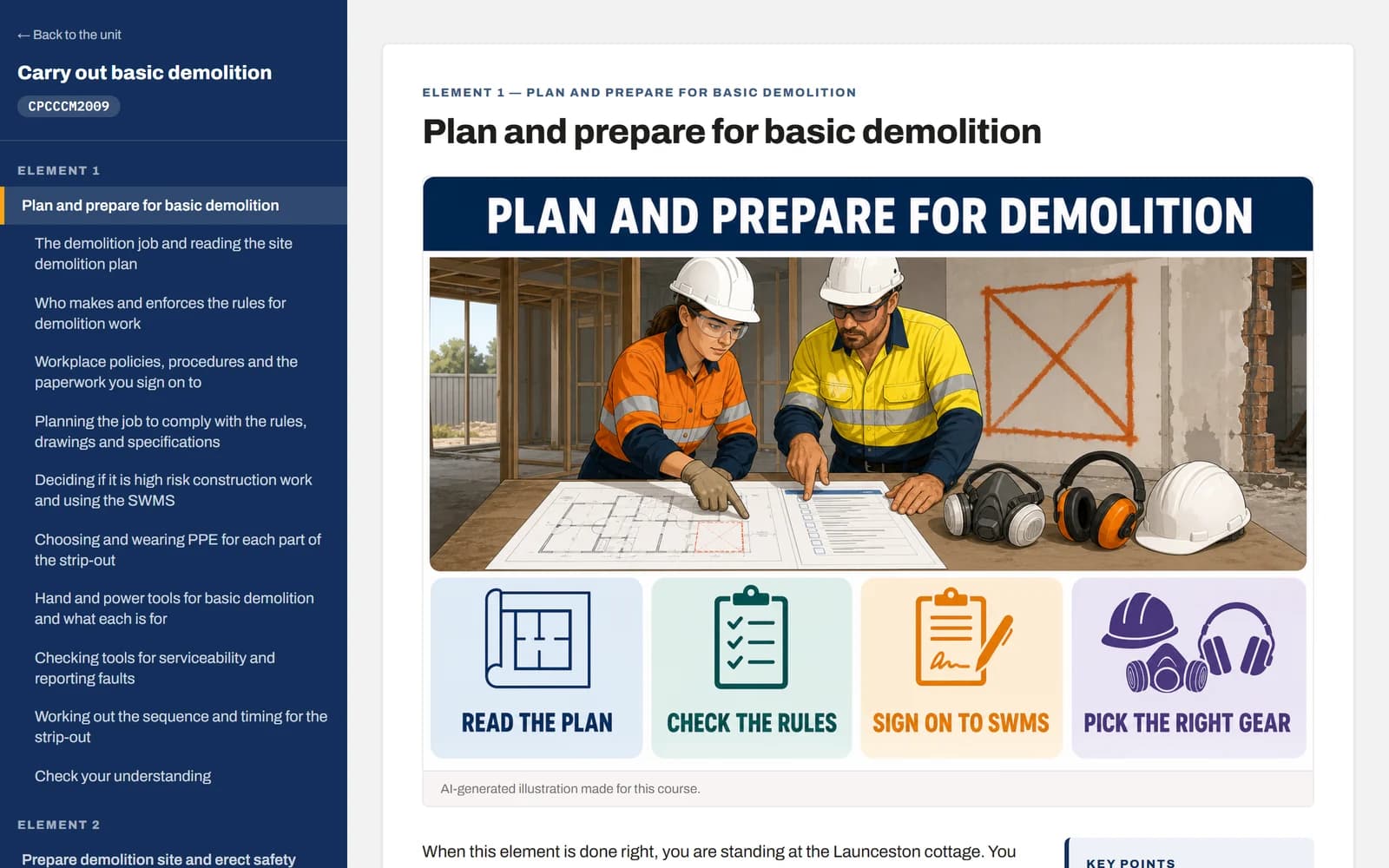
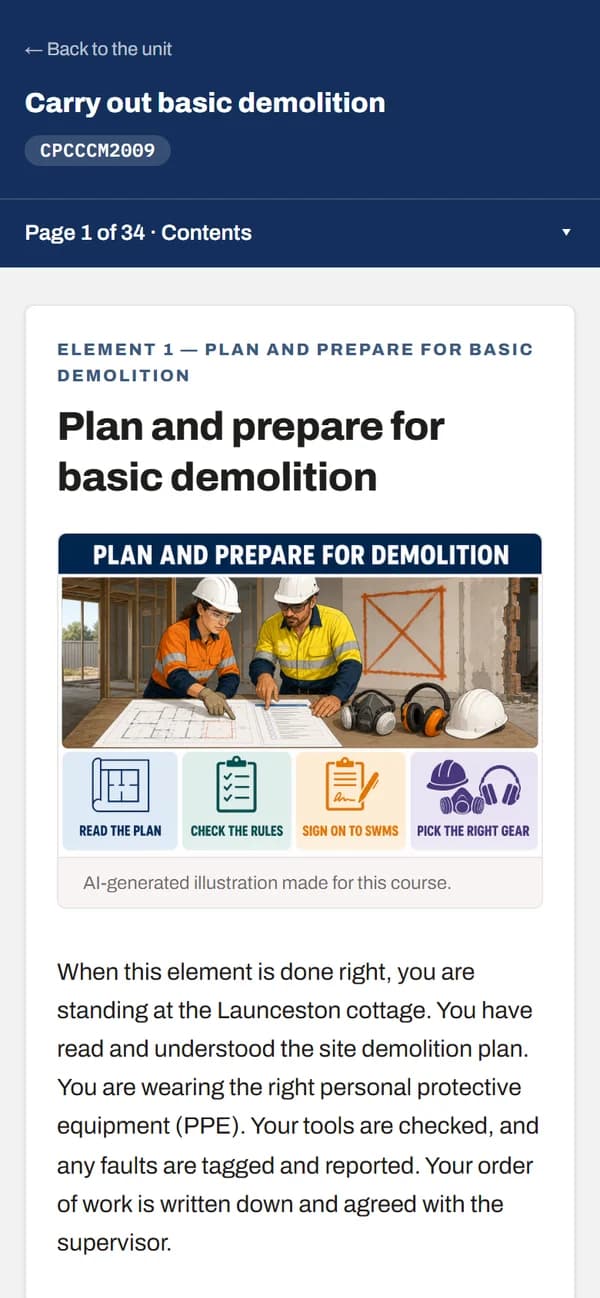
The real app: a CPCCCM2009 course page. Beside it, the same course on a phone.
Two ways to buy
Learning content only
For resource teams and schools whose RTO already has its assessments. The course for each unit, for Canvas, SCORM and Word.
$149 a unit, down to $100 a unit for 50 or more, with 12 months of updates. Pay by card or by invoice.
Learning and assessment
For RTOs: the course plus quizzes, assessments, marking guides, the mapping document and the Standard 1.3 and 1.5 records.
No card for the trial. $135–$655 a month after, or two months free on an annual plan. Larger teams from $999 a month.
Open a demo course · Download a real pack · Email us for a 20-minute walkthrough
Learning content your students actually read.
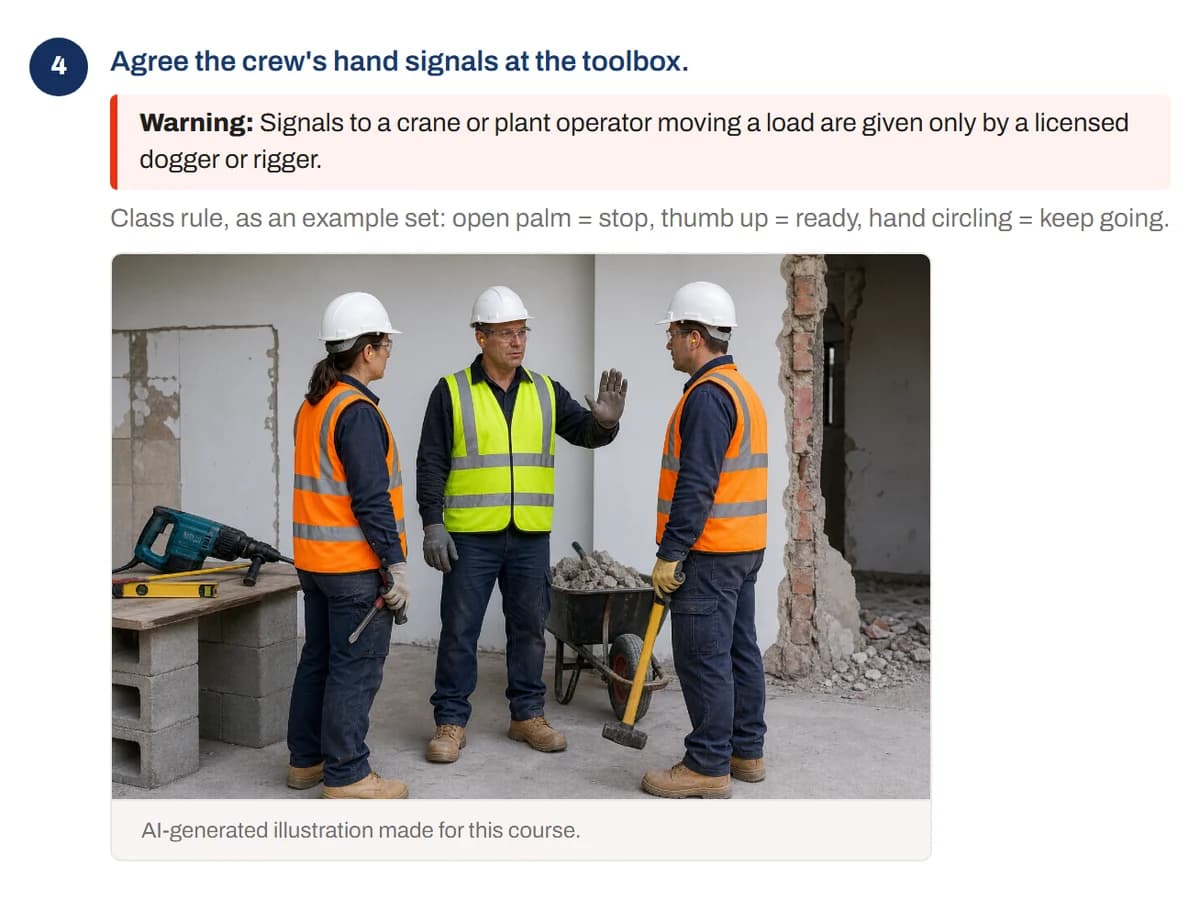
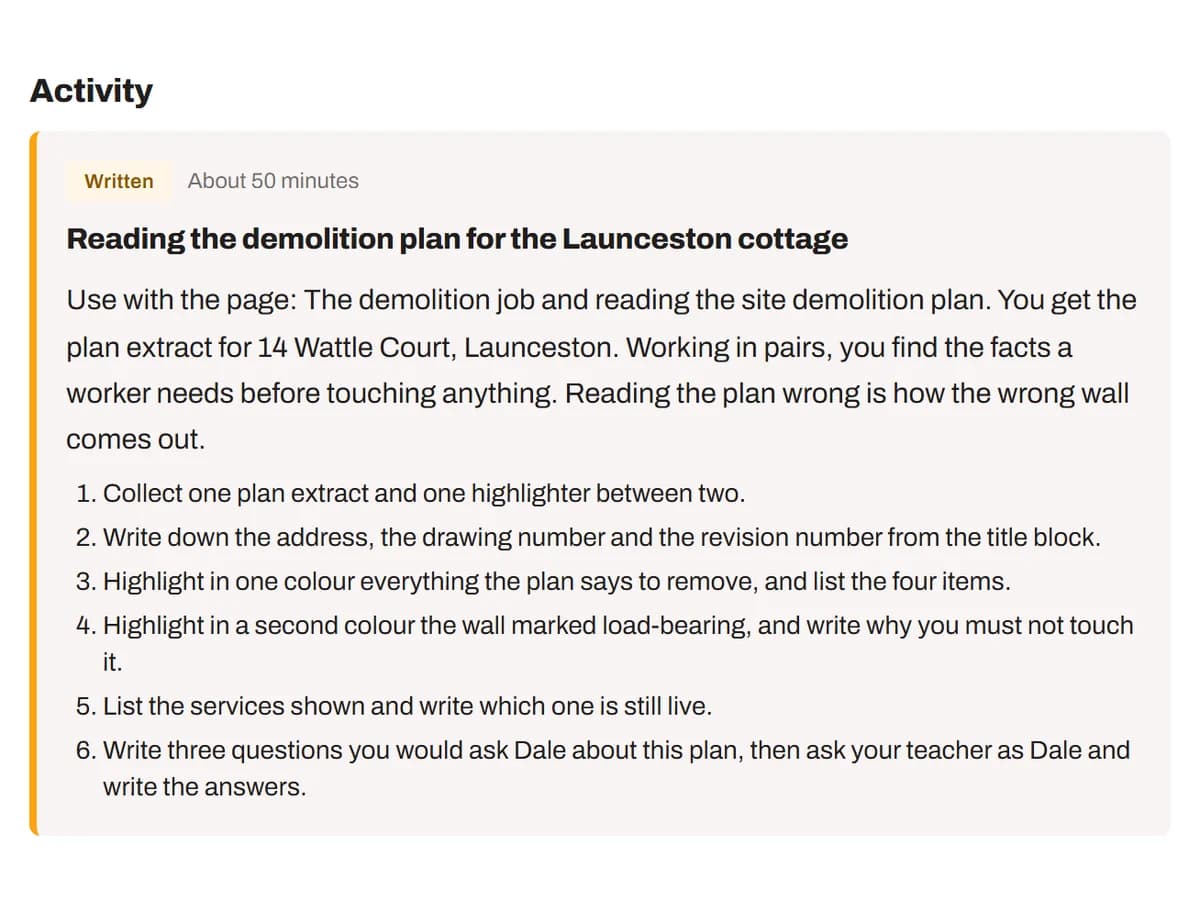
Every unit becomes a course to flip through, not a slide deck. A picture on each page, the steps in order, activities and quick checks where they belong. It exports to Word, Canvas and SCORM as the same thing.
Our promise
If an auditor raises a mapping finding, we rebuild the pack free.
Corrected and checked by hand, for as long as you’re a customer, even if you’ve edited it.
The paperwork is the hard part. It comes out of the same build.
Most tools write you a workbook and leave the compliance set to a weekend. These come out of the unit at the same time as the content, which is why they agree with each other.
Pre-use tool review record
The pre-use review form, ready for your reviewer to complete and sign — what changed, and who signed it off.
Assessment validation record
Structured for your panel to complete after assessment, off marked student work, with a place to record where the panel disagreed.
Unit mapping document
Every performance criterion, performance evidence and knowledge evidence item, plus the assessment conditions, against what proves it.
Delivery and assessment section
The unit-level section of your training and assessment strategy, written from the same source as the pack.
About 15 min
To build a unit and run its checks. Your review comes after
14 days
Free trial, 2 complete units, no card. Canvas, SCORM and the compliance records unlock on a plan
1 unit
The smallest order: buy units one at a time
0
Student data held. Stored in Sydney; the AI writing runs in the US
Every unit goes through the same ten steps.
The same steps, in the same order, as you see inside each unit: set it up, teach it, assess it, prove it. The learning content licence uses steps 1, 2, 3 and 10; the steps marked Learning and assessment come with a trainer plan.
01
Unit
Type the code, or upload the unit. It is pulled from training.gov.au as it stands today, with its elements, performance criteria, knowledge and performance evidence and assessment conditions. Untick anything you are not assessing. It is watched from then on, so you are told when the register supersedes it.
02
Learning content
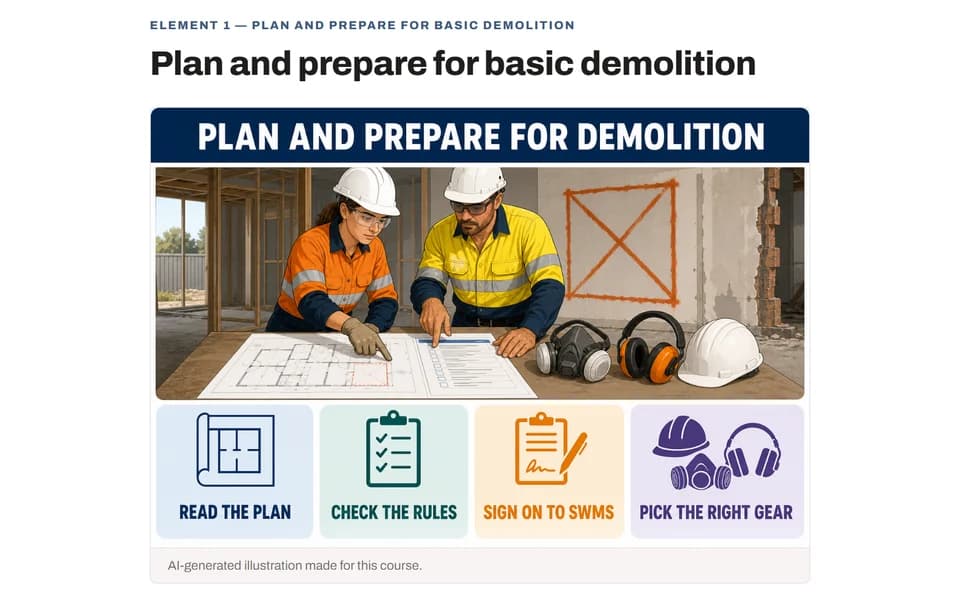
A course to flip through: an overview of each element, a page for each stage of the job with its steps, a picture on every page and checked pictures beside the steps that need one, and activities and quick checks where they belong. Session plans, a student workbook, info sheets and a glossary come with it.
03
Check
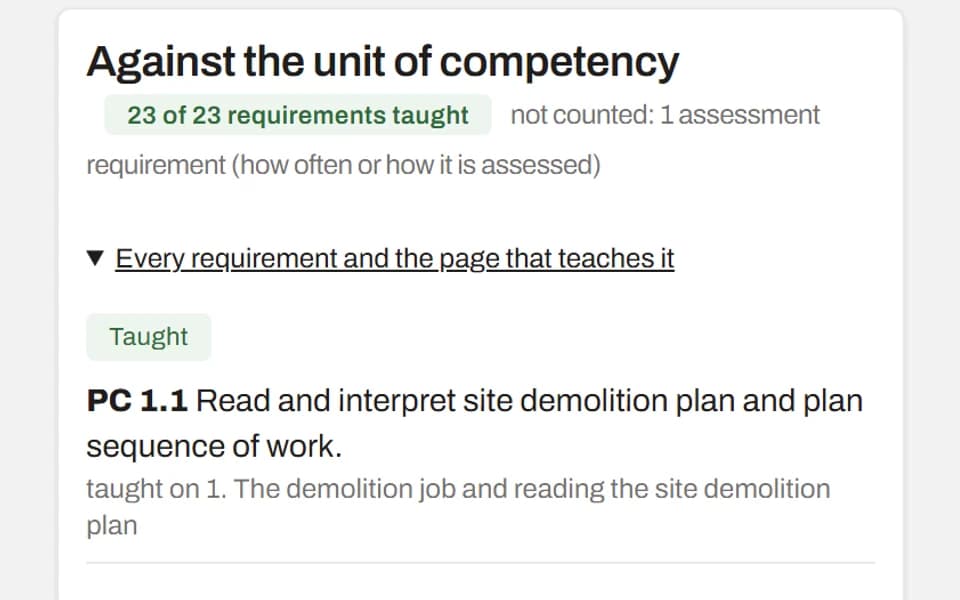
Every requirement of the unit is checked against the course, page by page, and anything not taught can be added with a click. The pages are checked too, for length, order and safety, and the facts a trainer should look at are listed before you approve.
04
Assessments & quizzesLearning and assessment
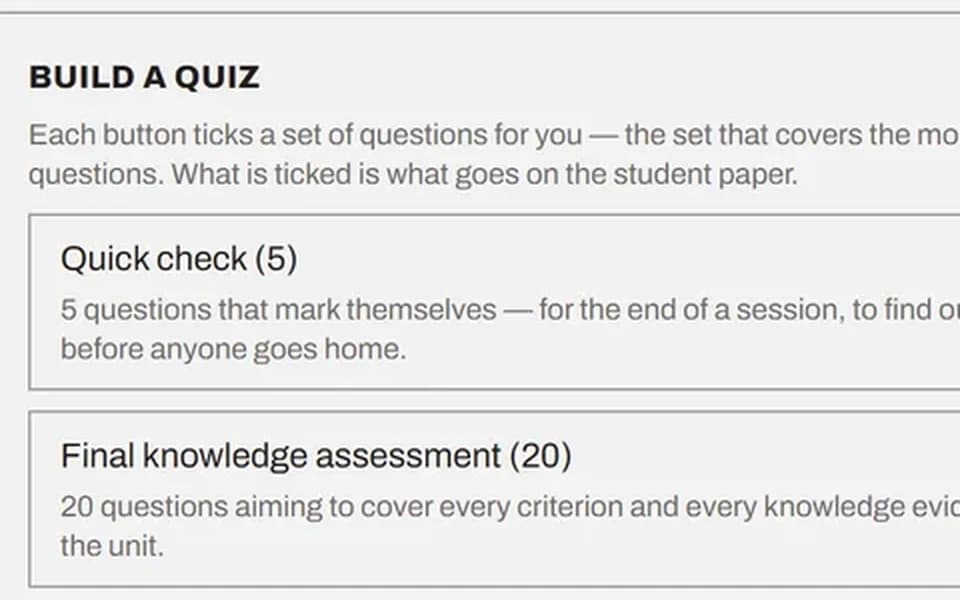
A question bank with the cognitive level tagged on every item, ready-made quizzes from a quick check to a final knowledge assessment, in student and assessor versions with the marking guide and cover sheets. Every question carries the criteria it proves.
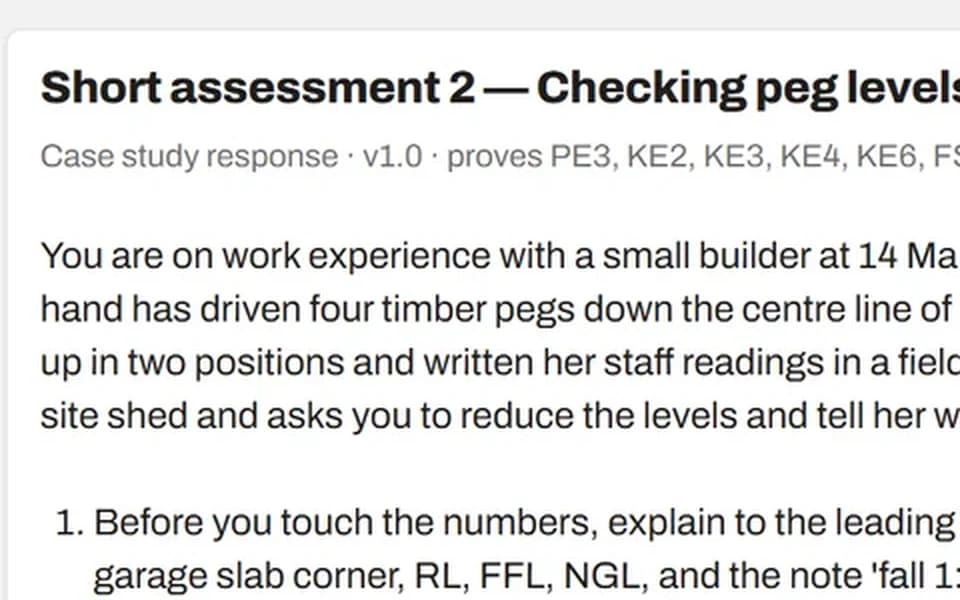
05
Short assessmentsLearning and assessment
Short written scenarios set on a real job, each mapped to the criteria and evidence it proves, with what a satisfactory answer covers. Rewrite one, or write another, with a click.
06
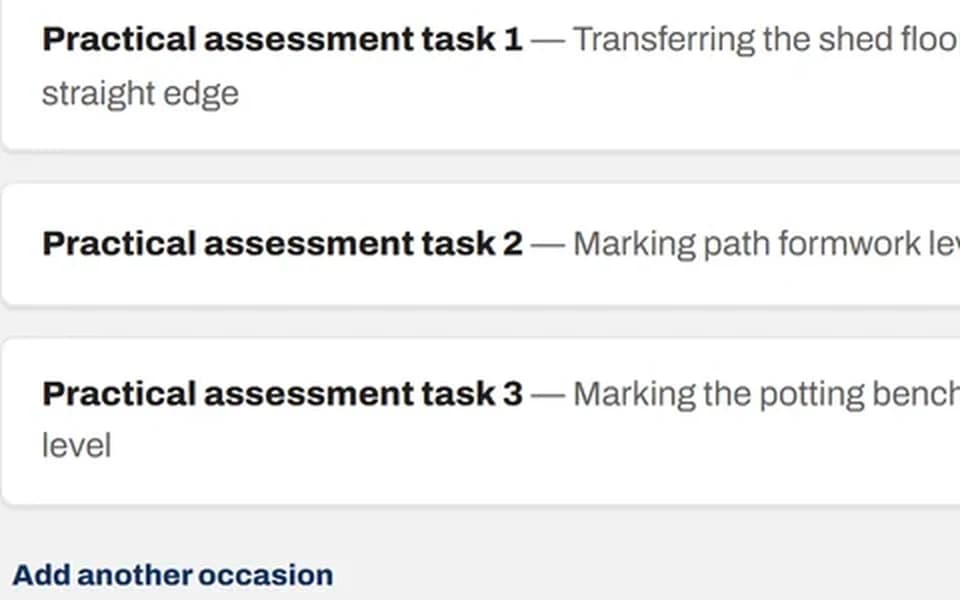
Practical assessmentsLearning and assessment
The tasks your assessor watches, with checklists and benchmarks two assessors would apply the same way, as many occasions as the unit demands, and set in your own workplace if you ask.
07
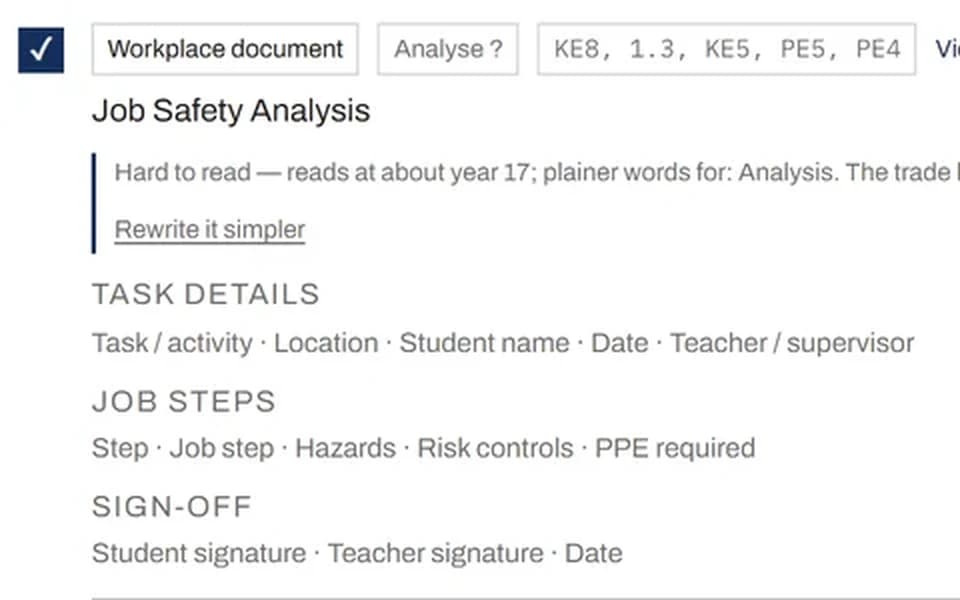
Workplace documentsLearning and assessment
The forms a worker fills in on the job, such as a Job Safety Analysis or a pre-start check: blank for the student, with a worked example beside it.
08
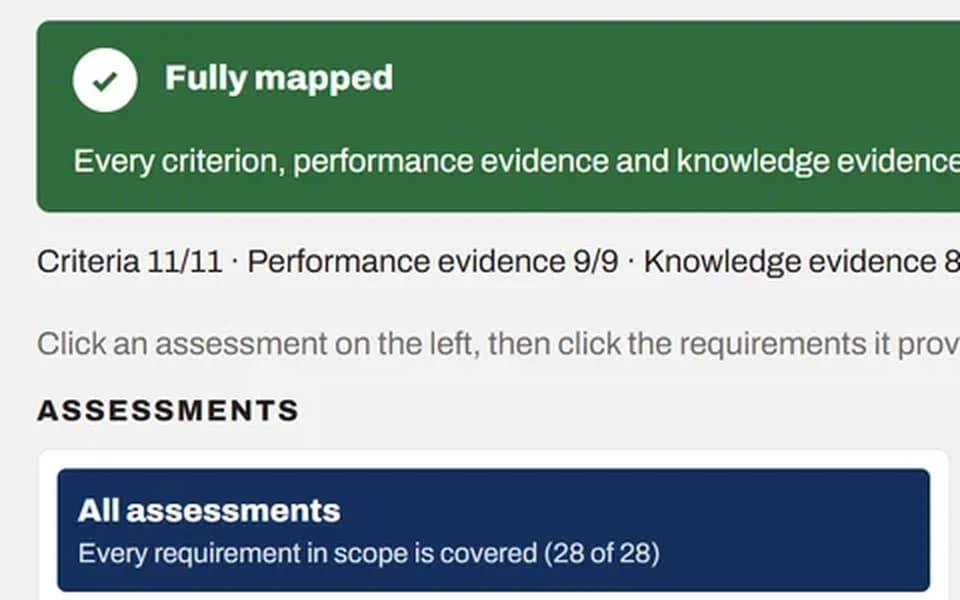
Mapping documentsLearning and assessment
Every criterion, every item of performance and knowledge evidence, and what proves it. Green when everything is covered, red while something is missing, so you know before anything is exported.
09
Validation recordsLearning and assessment
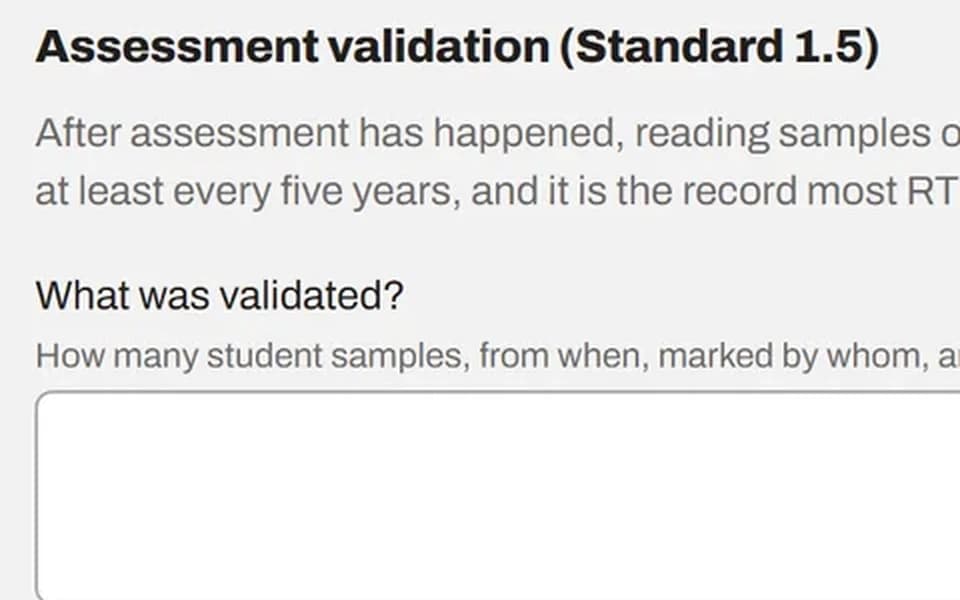
The Standard 1.3 pre-use tool review and the Standard 1.5 validation record as forms your people complete and sign in the app, with names and times recorded. Bring in an outside validator for a single unit.
10
Export
Word documents for every part, the course for Canvas or as a SCORM package for any learning system, the question bank for Moodle, and your TAS section. All from the same build, which is why they agree with each other.
A folder you could hand to a new trainer.
Sorted into the four things a teacher goes looking for — teaching, for students, assessment, compliance — with a read-me at the root explaining each one.
- Learning content, written from the unit on training.gov.au
- A question bank, practical tasks and observation checklists
- Session plans, a student workbook, info sheets and a glossary
- A lesson plan for each activity, timed to the minutes you set
- Workplace documents like a JSA, and briefs for filmed assessment
- Student and assessor copies of every assessment
- Cover sheets and marking guides
- Your RTO name, code and logo on every page — set once, then every pack
- Word, Canvas and SCORM exports
Download a real pack before you decide.
Real documents for a real unit — the teaching content, the quiz in both the student and the assessor version, a practical task with its marking guide, the mapping document an auditor reads, and a blank pre-use tool review form. No sign-up, no email.
Download the sample pack (5 MB)Apply basic levelling procedures, from the CPC training package. Generated by the app, not written for this page.
Built by Jason Clifford, a VET trainer in Hobart who got tired of writing the same compliance paperwork by hand. You talk to the person who built it.
Email us for a 20-minute walkthrough · hello@vetcreator.com.au
We draft. You review and sign off. That is the product, not a caveat about it.
Nothing here decides whether a student is competent, and nothing here signs anything. This is the half that takes the week.
- Mapping document
- You check every cell. A mapping nobody checked is a mapping that has not been done.
- Assessment tasks
- You decide whether the evidence would satisfy your validation panel.
- Practical tasks and observation checklists
- You confirm they match your equipment, your site and your cohort.
- Standard 1.3 pre-use review record
- We prepare it. Your reviewer completes and signs it.
- Standard 1.5 validation record
- You run the validation. We give it somewhere to live.
- Session plans and learning content
- You confirm the timings suit your room and your group.
Does this make our RTO compliant?
Is it AI-generated?
Who owns what we produce?
Can we buy the learning content without the assessments?
Do you hold student data?
How many trainers can use it?
What happens to our packs if we stop paying?
Where does our material go?
Can it be written for our cohort and our workplace?
What if an auditor questions a pack you built?
Does it come out on our own branding?
Why not just use ChatGPT?
Start with the unityou are dreading.
Learning and assessment: fourteen days, no card. If the pack is not usable, you have lost an afternoon. Learning content only: pay by card, or ask for a quote and pay by invoice.